
Stampwise
Proof of when and where, on every work photo
Coming soon to the App Store
Free to use. No ads, no account, no weekly plan.
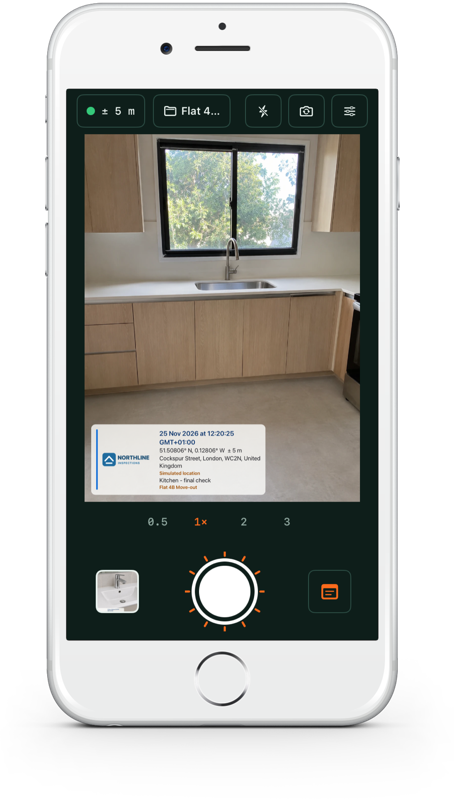
A camera for work photos.
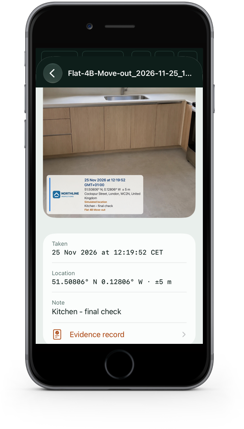
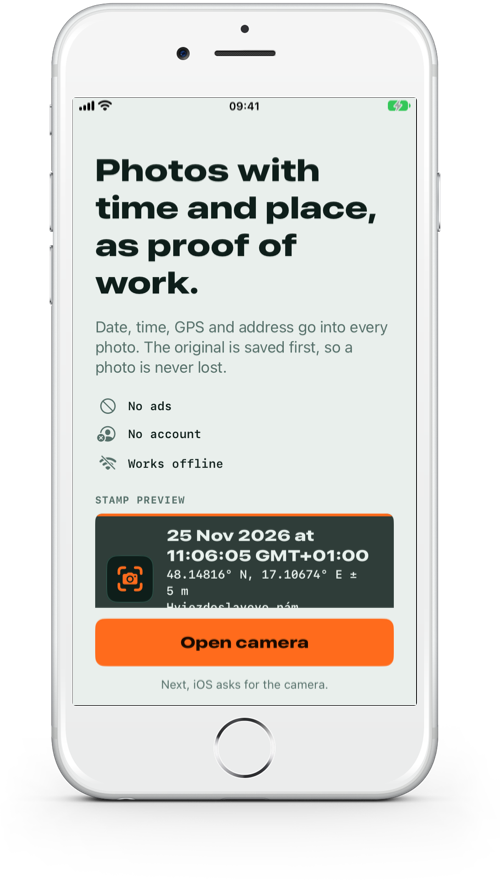
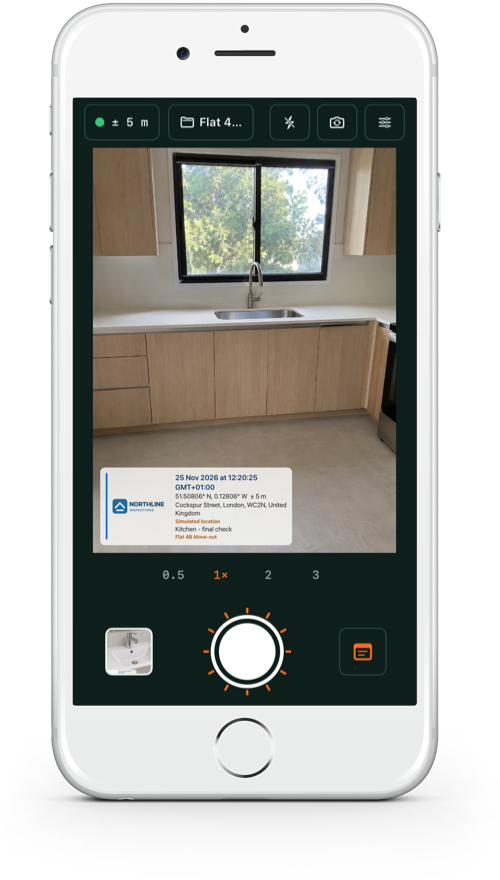
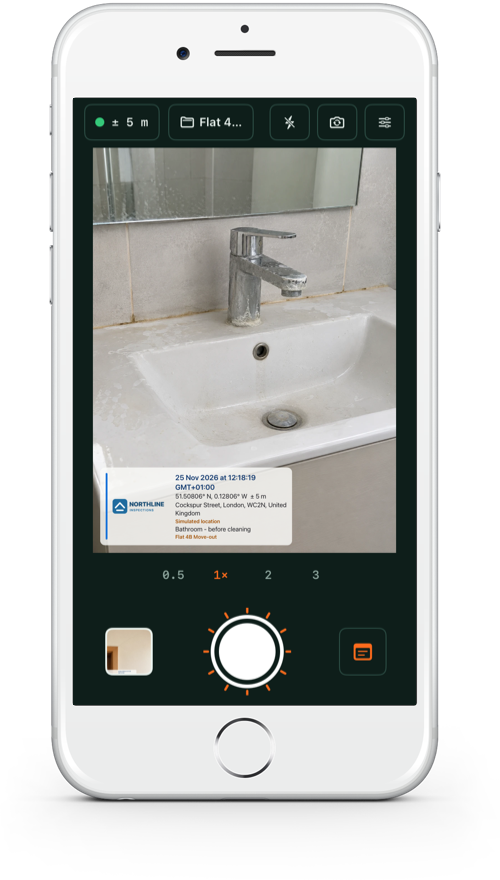
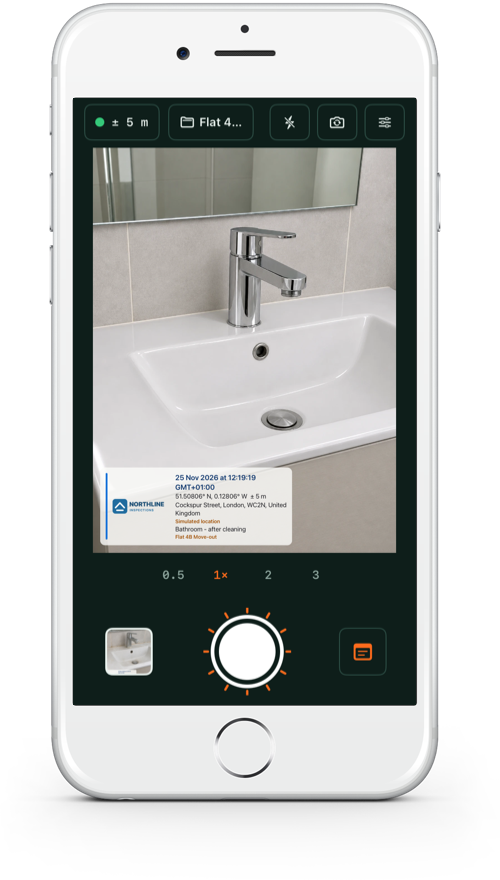
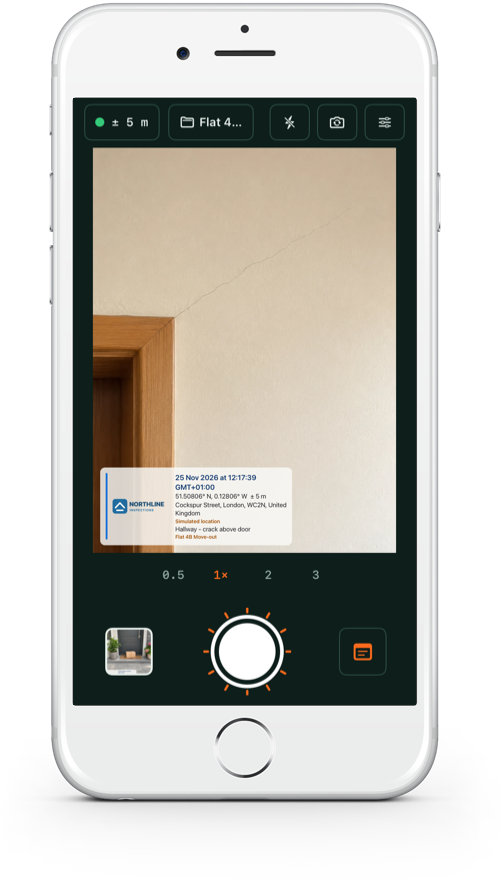
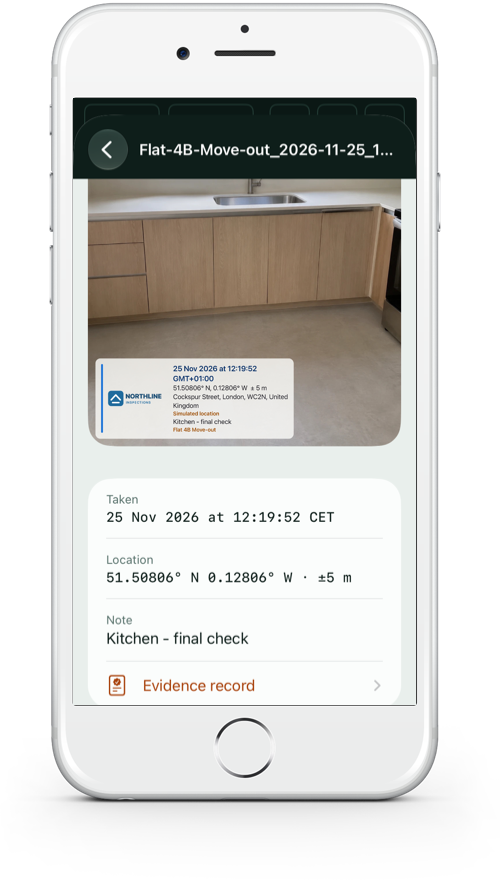
Move-out checks, inspections, repairs, cleaning, deliveries: the people you work for want to see when and where a photo was taken. Stampwise puts a clear stamp on every shot with the date, time, GPS coordinates and how accurate they are, the address, your note, the project and your logo. The untouched original is saved before anything else happens, photos are kept in projects with tidy file names, and every photo keeps an evidence record of how it was made.

Top Features
Everything a work photo needs, stamped in the moment
-
Date, time and GPS
Every photo gets the time, the coordinates and their accuracy, with the address when it is known. Works offline too.
-
Original saved first
The untouched original is written before the stamped copy. If the app closes mid-save, unfinished photos are completed at the next start.
-
Fix the address, free
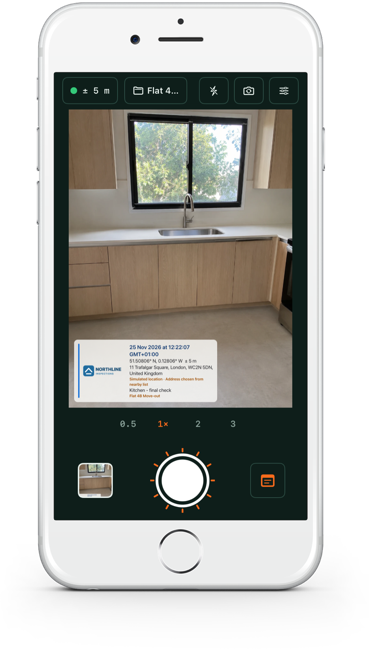
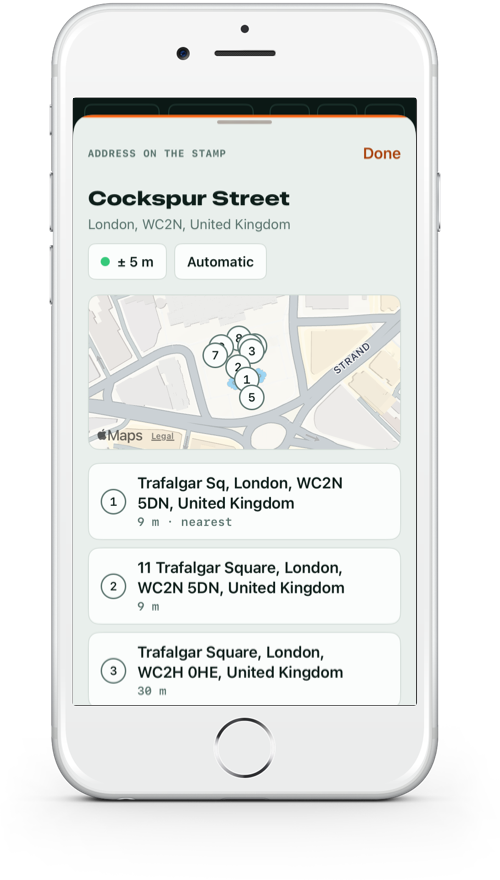
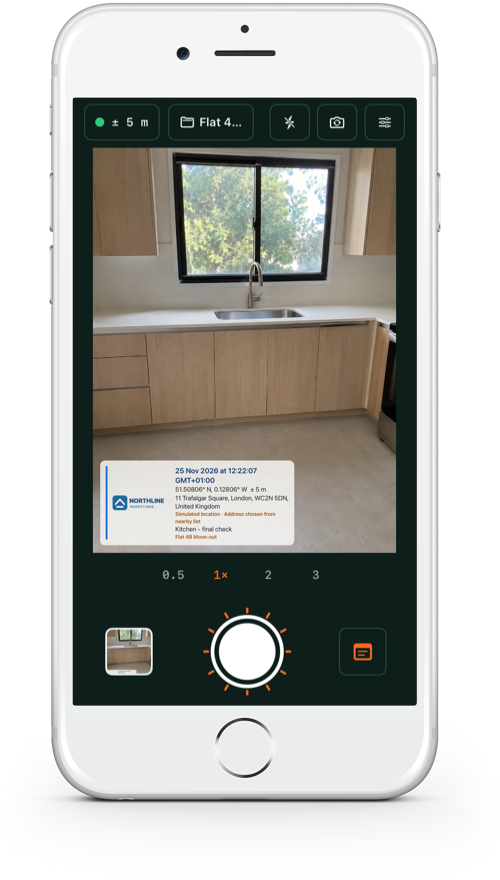
Wrong house number? Pick a nearby address, type your own or use a saved place, even after the shot. Always free.
-
Your logo and note
Add your company logo, a note such as "Kitchen – final check" and the project name. Six stamp styles, any corner.
-
Projects
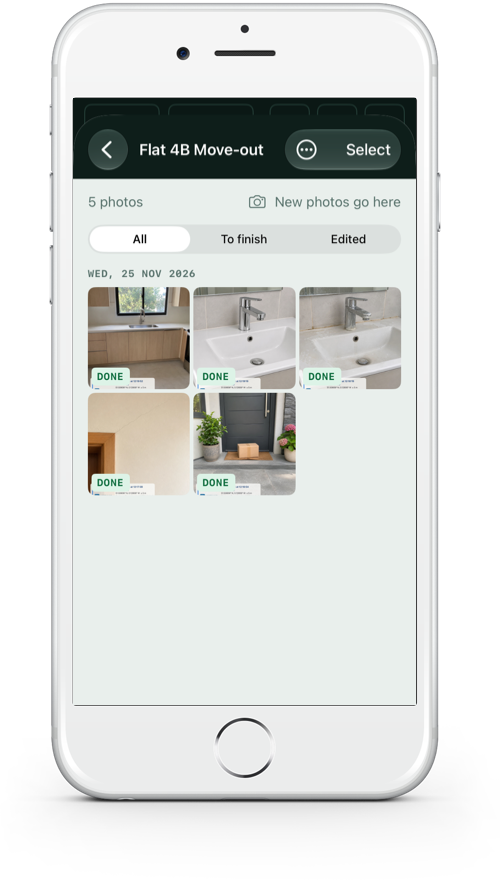
A project per job, with automatic file names: project, date, time and number. Share photos one by one or all at once.
-
A real camera
All rear lenses including 0.5×, smooth zoom, tap to focus and expose, flash, and the volume button as shutter.

A stamp that doesn't claim more than it knows
-
GPS accuracy on the stamp
"± 5 m" right after the coordinates, and a note when the location is approximate or the fix is old.
-
Changes are marked
An address you typed says "edited manually", one picked from the list says so too. Time and GPS are never changed.
-
Photos you already took
Stamp photos from your library with the time and place from the photo's own metadata, and the stamp says where they came from.
-
Evidence record
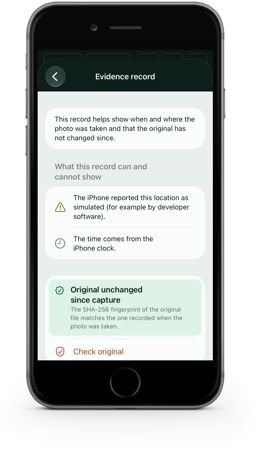
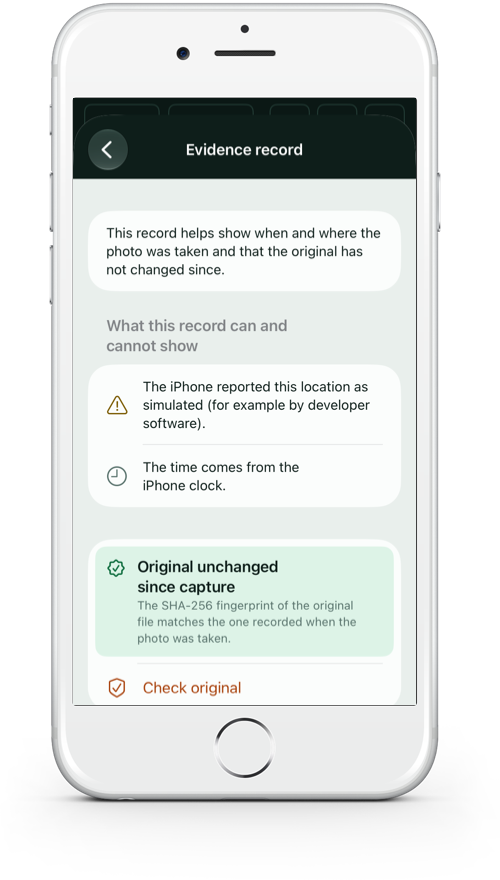
A SHA-256 fingerprint of the original, the time source and the GPS accuracy. It helps show when and where a photo was taken and that the original hasn't changed since.


-
Six stamp styles
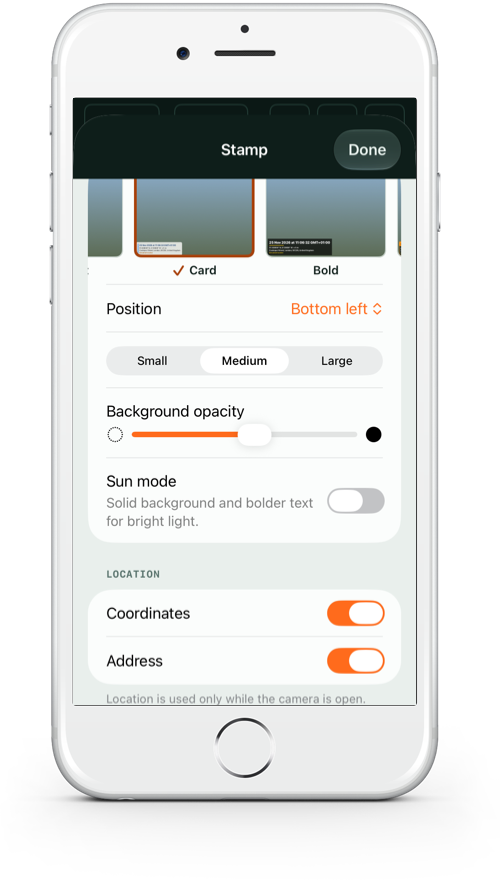
Classic, Band, Compact, Card, Bold and Field, in three sizes, with adjustable background and a sun mode for bright days.
-
Your format
12 or 24-hour clock, time zone, decimal degrees or degrees, minutes and seconds, altitude, compass direction, UTM and MGRS.
-
Export with Pro
The evidence record as JSON or PDF. PDF reports, CSV and KML from a whole project are on the way.
-
Private
No account, no sign-up, no ads, no tracking. Your photos and locations stay on your iPhone until you share or export them.
-
Free, with Pro when you need it
Unlimited stamped photos, the Classic style and address fixes are free. Pro adds your logo, all styles, more fields, unlimited projects and exports. Yearly, monthly or once. No weekly plan.


Screenshots
Support
Questions, a problem or an idea? Write to stampwise@dencisoft.com. We usually answer within two working days.