
Promptwise
The teleprompter that never loses your take
Coming soon to the App Store
Free to use. No ads, no account, no weekly plan.
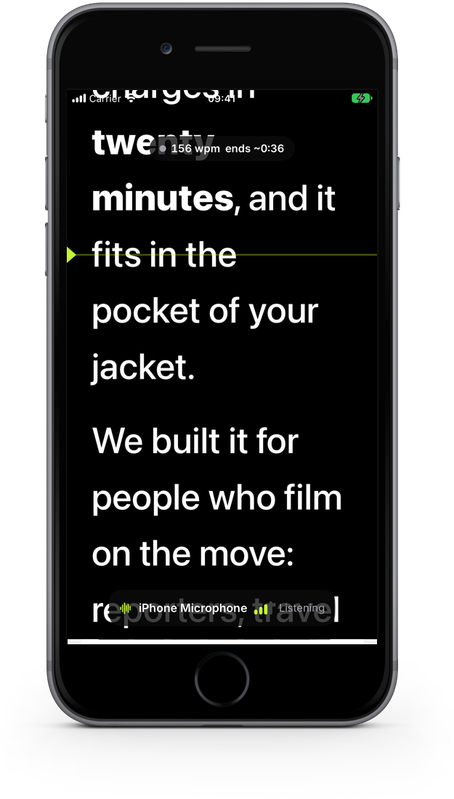
Read your script. Look into the lens.
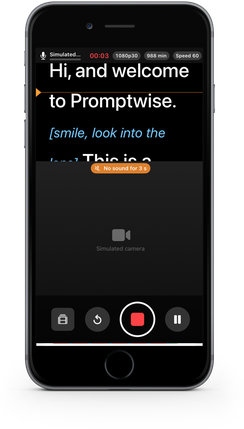
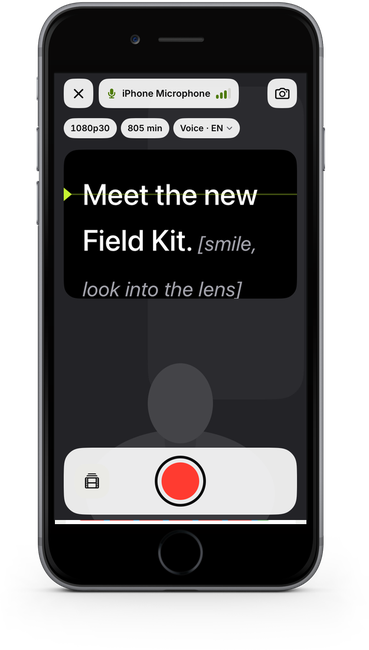
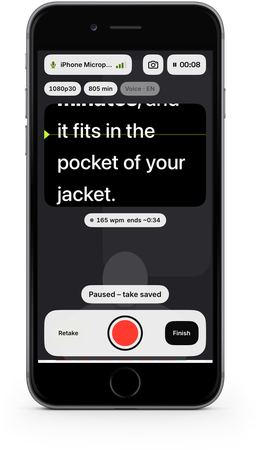
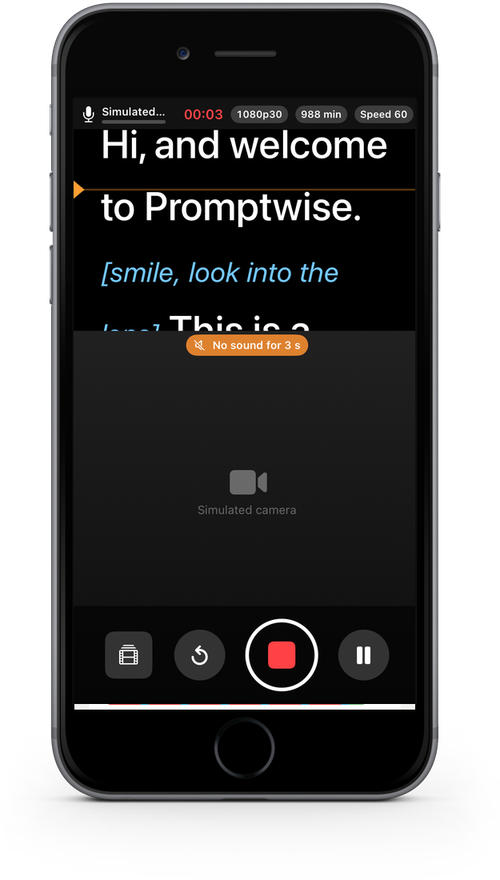
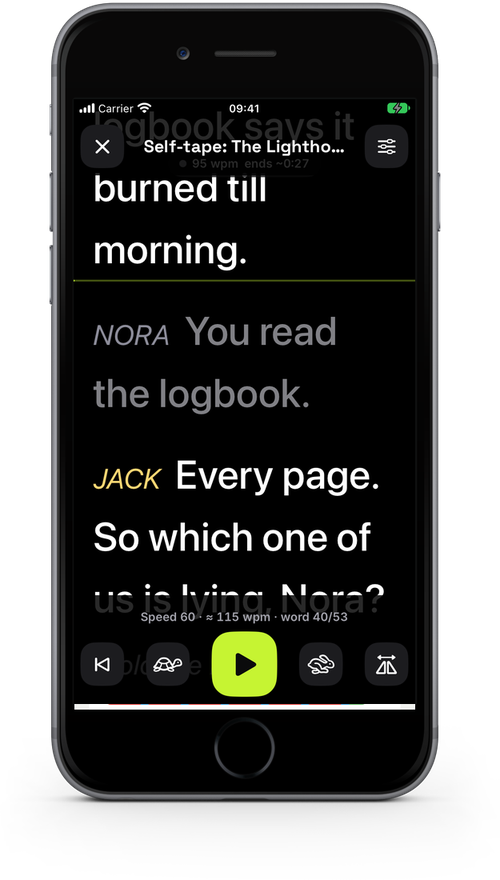
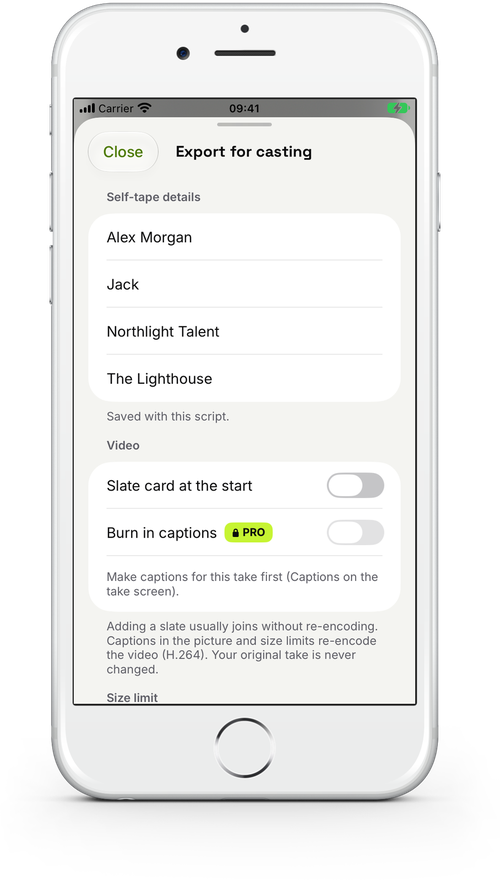
Self-tapes, product videos, lessons, talks and sermons: Promptwise scrolls your script right under the front camera and records you at the same time. Every take is written to storage while you record, so a phone call, a full battery warning or a closed app never costs you the take. You always see which microphone is recording and how loud it is, and you can pause, resume or start a quick retake with one tap.
Top Features
A prompter and a camera that work as one
-
Takes are never lost
Recording is saved second by second. If the app is closed or the phone switches off, you get back everything up to that moment.
-
Visible microphone
The active microphone and its level are always on screen, and the input never switches silently. A warning shows when there is no sound.
-
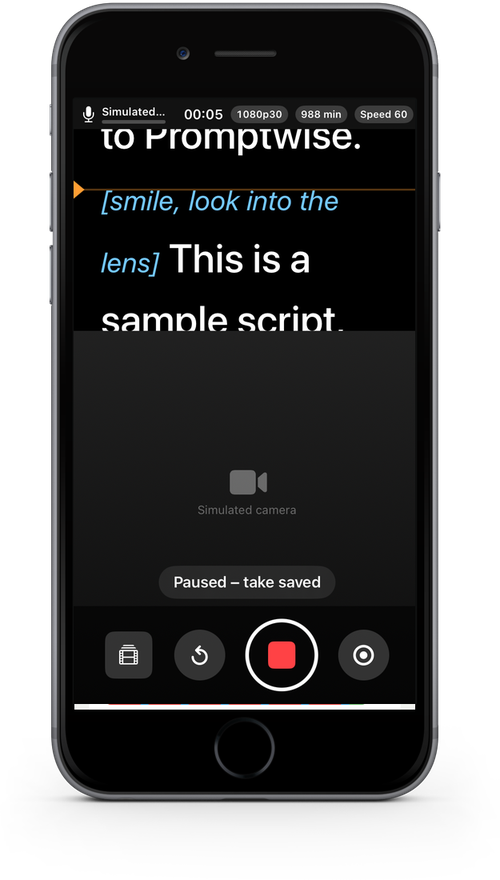
Pause and retake
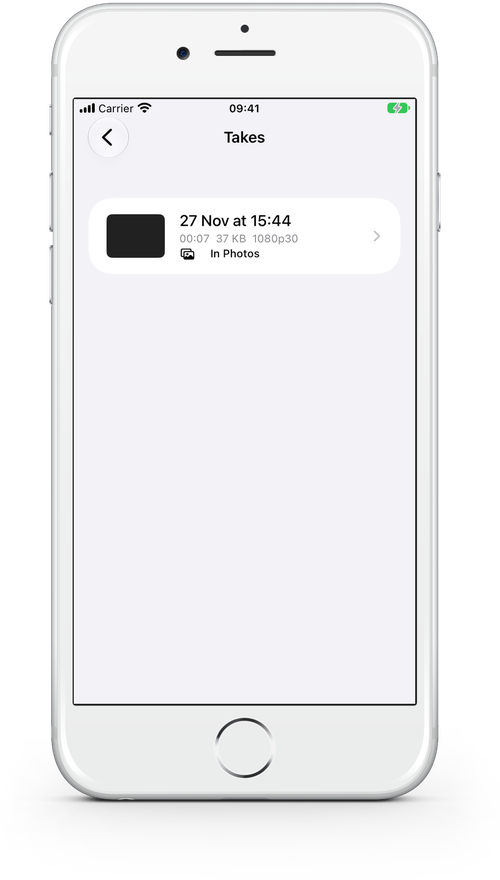
Pause and resume inside one take, or start again from the current paragraph with one tap. Every take stays in the list.
-
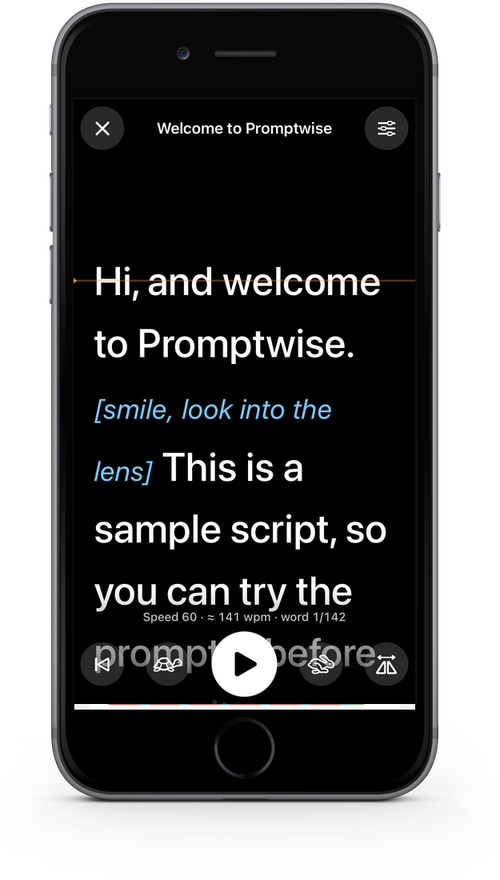
Smooth scrolling
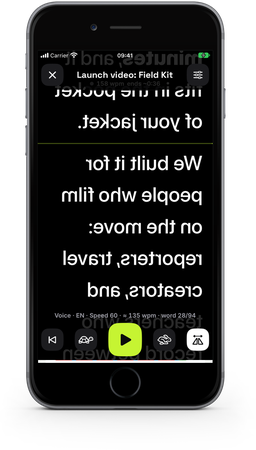
Large, steady text at the speed you set, timed to a target length, or tap a word to jump there.
-
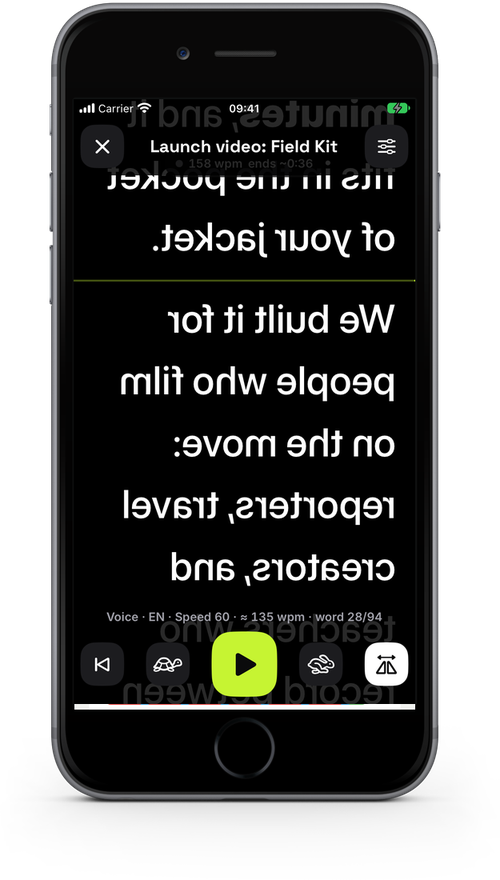
Mirroring, free
Mirrored text for beam-splitter rigs, and control from a Bluetooth keyboard or remote. No Pro needed.
-
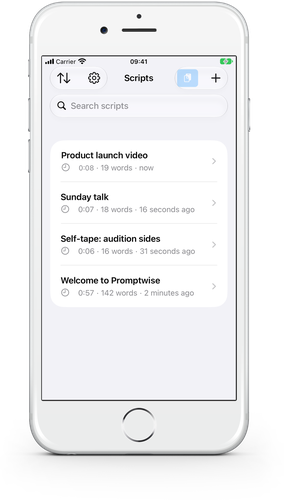
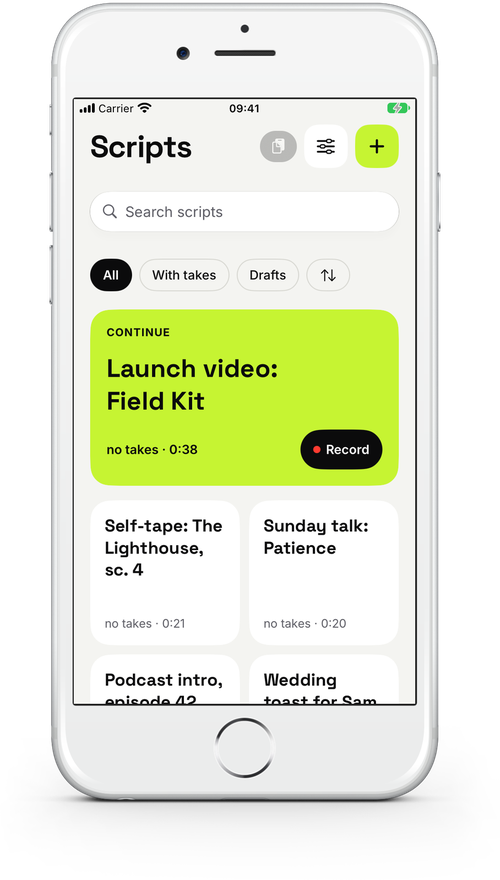
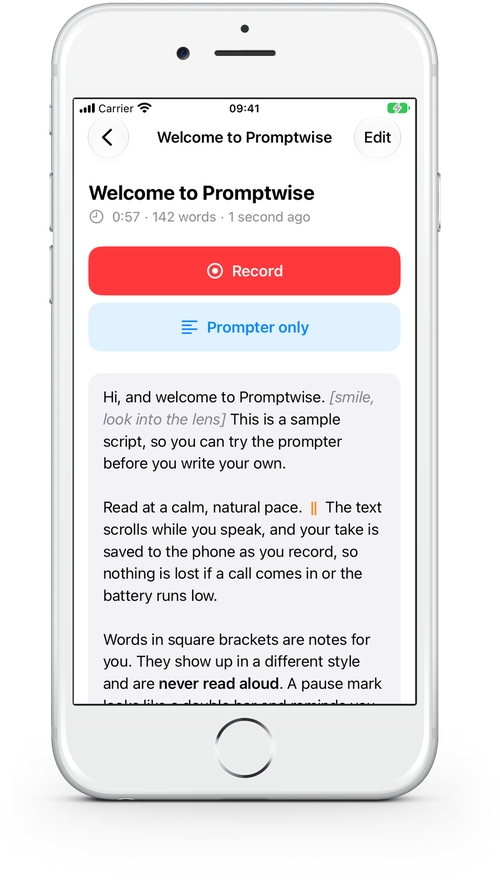
Your scripts
Type or paste, import text, RTF, PDF and Word files, or share a script from another app. Notes in [brackets] are shown but not read.

Made for the moment things go wrong
-
Recovered after a crash
A take interrupted by a crash or a dead battery is repaired at the next start and marked as recovered, with how much was lost.
-
Calls and the background
A call or switching to another app pauses and saves the take. Recording only happens while Promptwise is on screen.
-
Straight to Photos
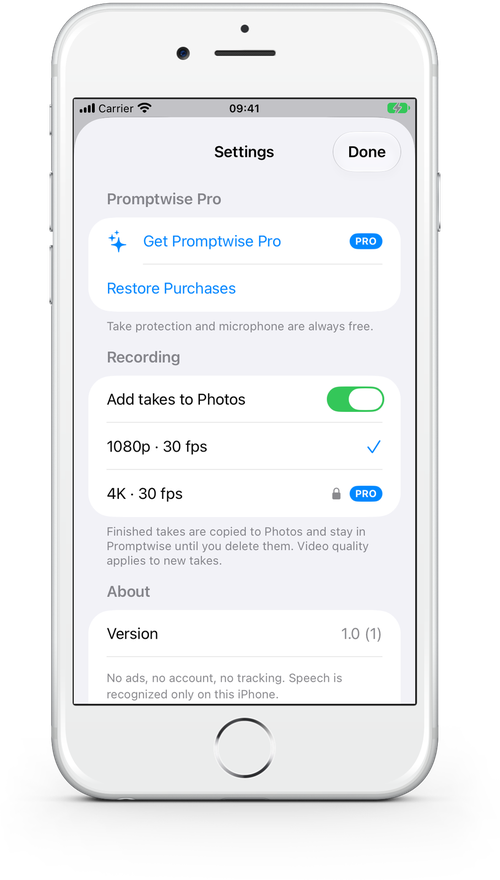
Finished takes can be added to Photos automatically, without duplicates, or shared and saved to Files.
-
Room to record
Before you start you see how many minutes are left at each quality, and recording stops cleanly before the storage runs out.


-
Voice scrolling, on your iPhone
The script can follow your words as you speak. Speech is recognized only on the iPhone, never sent anywhere.
-
Video quality
1080p at 30 fps for free; 4K and 60 fps with Pro on iPhones that support them.
-
Private
No account, no sign-up, no ads, no tracking. Your scripts and videos stay on your iPhone until you share them.
-
Free, with Pro when you need it
Recording, take protection, the microphone level and mirroring are free, forever. Pro adds 4K, 60 fps and unlimited voice scrolling. Yearly, monthly or once. No weekly plan.

Screenshots
Support
Questions, a problem or an idea? Write to promptwise@dencisoft.com. We usually answer within two working days.